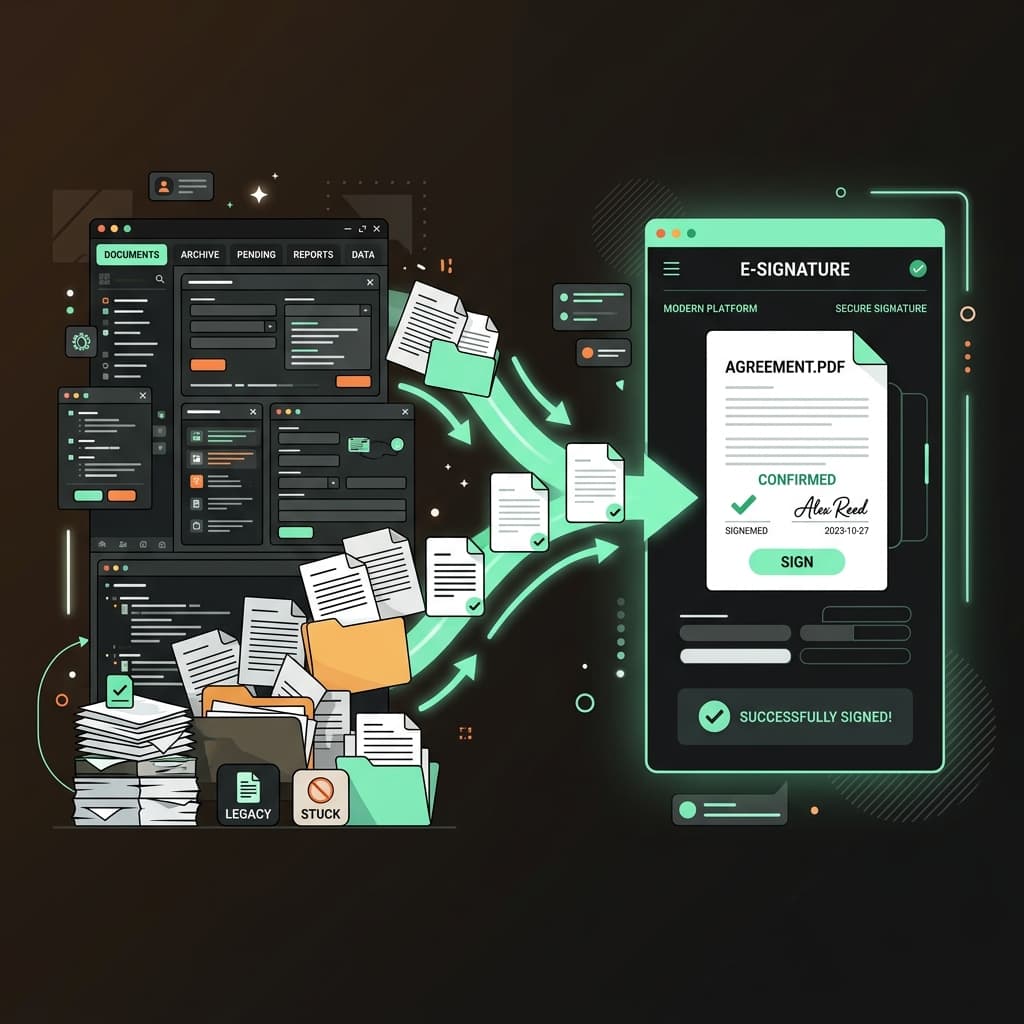
Many growing teams start on legacy document signing services only to find themselves locked into expensive contracts with complex, cluttered interfaces. Moving to a modern developer-first platform like Docura can cut costs by up to 70% while improving integration flexibility.
Here is how to transition smoothly.
Why Migrate?
If you are evaluating your e-signing workflow, look out for these triggers:
- Overpricing: High recurring costs or limitations on the number of envelopes you can send.
- Clunky API Integration: Complex SOAP APIs or heavily rate-limited REST endpoints.
- Brand Inconsistency: Inability to remove the legacy platform's branding from the signer flow on lower tiers.
- Signing Friction: Signers getting prompted to create accounts or download apps just to complete a document.
3 Steps to Migrate to Docura
1. Document Auditing & Template Setup
First, review your active templates. In Docura, creating a template is simple:
- Upload your PDF agreement sheet.
- Drag and drop form fields (Signature, Text, Initials, Date) to assign them to roles (e.g. Client, Sender).
- Save the template. You will instantly get a unique Template ID that you can trigger programmatically.
2. Swapping API Integrations
If you trigger document invitations programmatically, Docura offers a clean REST API.
Compare a legacy JSON payload with Docura's concise submission format:
// POST /api/v1/templates/{id}/submissions
{
  "signers": [
    { "roleName": "Client", "name": "Jane Doe", "email": "jane@company.com" }
  ],
  "message": "Please sign our consulting agreement.",
  "metadata": { "clientId": "cli_90210" }
}
3. Setting Up Webhook Triggers
Docura supports instant webhooks. Register your endpoint to receive event payloads when a signer views or signs a document, allowing you to instantly trigger automated provisioning or database updates.