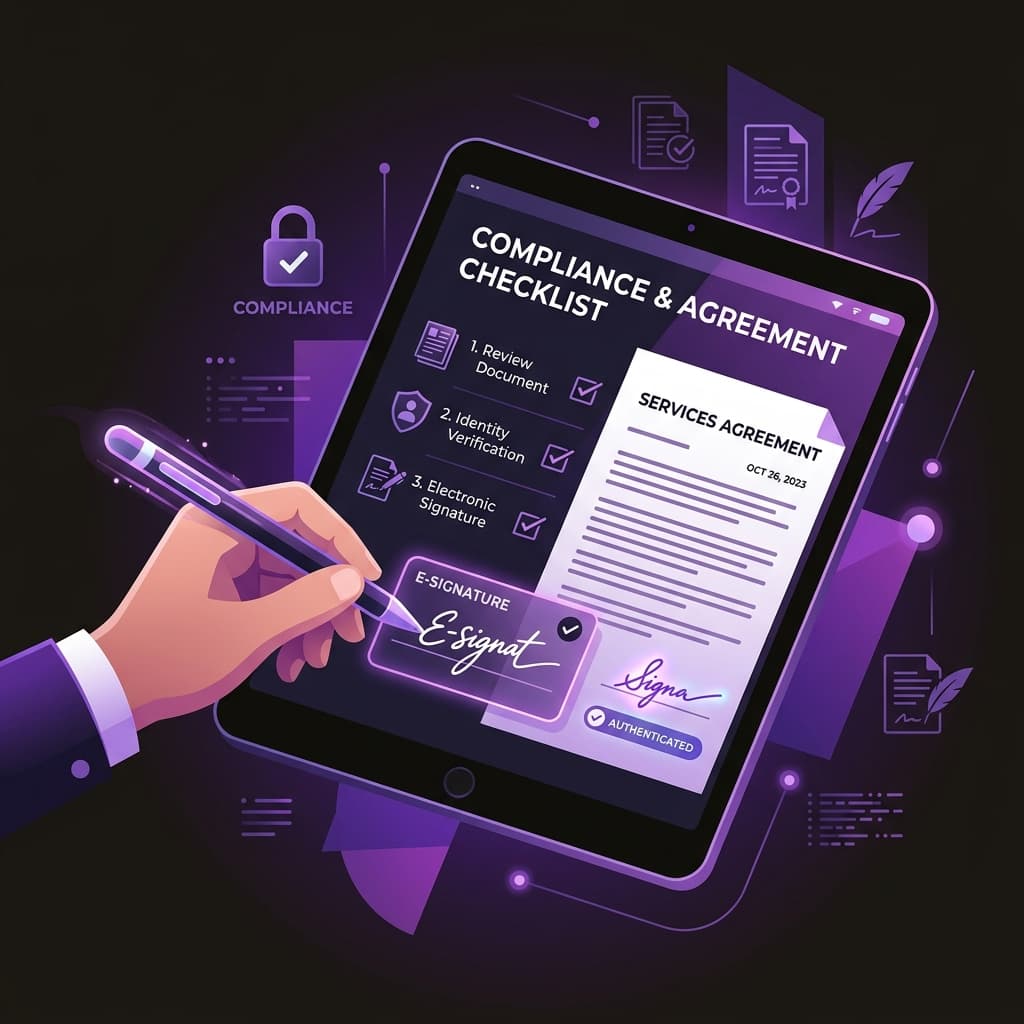
Electronic signatures have transformed how businesses operate, turning multi-day contract turnaround times into minutes. But how do you ensure that the signatures you collect are fully legally binding and enforceable in court?
Here is a comprehensive guide to e-signing compliance.
Understanding the Legal Frameworks
In the United States and international markets, electronic signatures are governed by several key pieces of legislation:
- The ESIGN Act (U.S.): Passed in 2000, the Electronic Signatures in Global and National Commerce Act establishes that electronic signatures have the same legal standing as wet-ink signatures for interstate commerce.
- UETA (U.S.): The Uniform Electronic Transactions Act has been adopted by 49 states and provides similar protections to the ESIGN Act on the state level.
- eIDAS Regulation (EU): The Electronic Identification and Trust Services Regulation governs e-signatures in the European Union, categorizing signatures into Simple, Advanced (AES), and Qualified (QES) levels.
Key Compliance Requirements
For an electronic signature to be legally binding under ESIGN and UETA, four core requirements must be met:
1. Intent to Sign
Like traditional signatures, the signer must demonstrate a clear intent to sign. This is typically achieved by having the user type their name, draw their signature, or click a clearly labeled "Accept & Sign" button.
2. Consent to Do Business Electronically
Signers must opt-in to conducting transactions electronically. Platforms like Docura satisfy this by presenting an agreement clause before the signer is allowed to proceed to the signature page.
3. Record Retention (Audit Trail)
The system must generate a durable record of the signing process. The audit trail should log:
- The signer's name and email address
- Verified IP addresses
- Browser user-agent information
- Timestamps of key events (document viewed, invitation received, signature submitted)
- The unique hash value of the completed document
4. Association of Signature with the Record
The signature must be logically associated or linked with the document. Once completed, the PDF must be sealed to prevent subsequent tampering or edits.
Docura's Compliance Posture
Docura is engineered from the ground up to fully satisfy ESIGN, UETA, and SOC 2 security standards:
- Tamper-evident sealing: Completed documents are encrypted and signed to ensure any edits invalidate the certificate.
- Granular Audit Trails: Every submission generates a detailed audit certificate.
- Secure Storage: Documents are hosted on encrypted Cloudflare R2 / AWS S3 buckets.