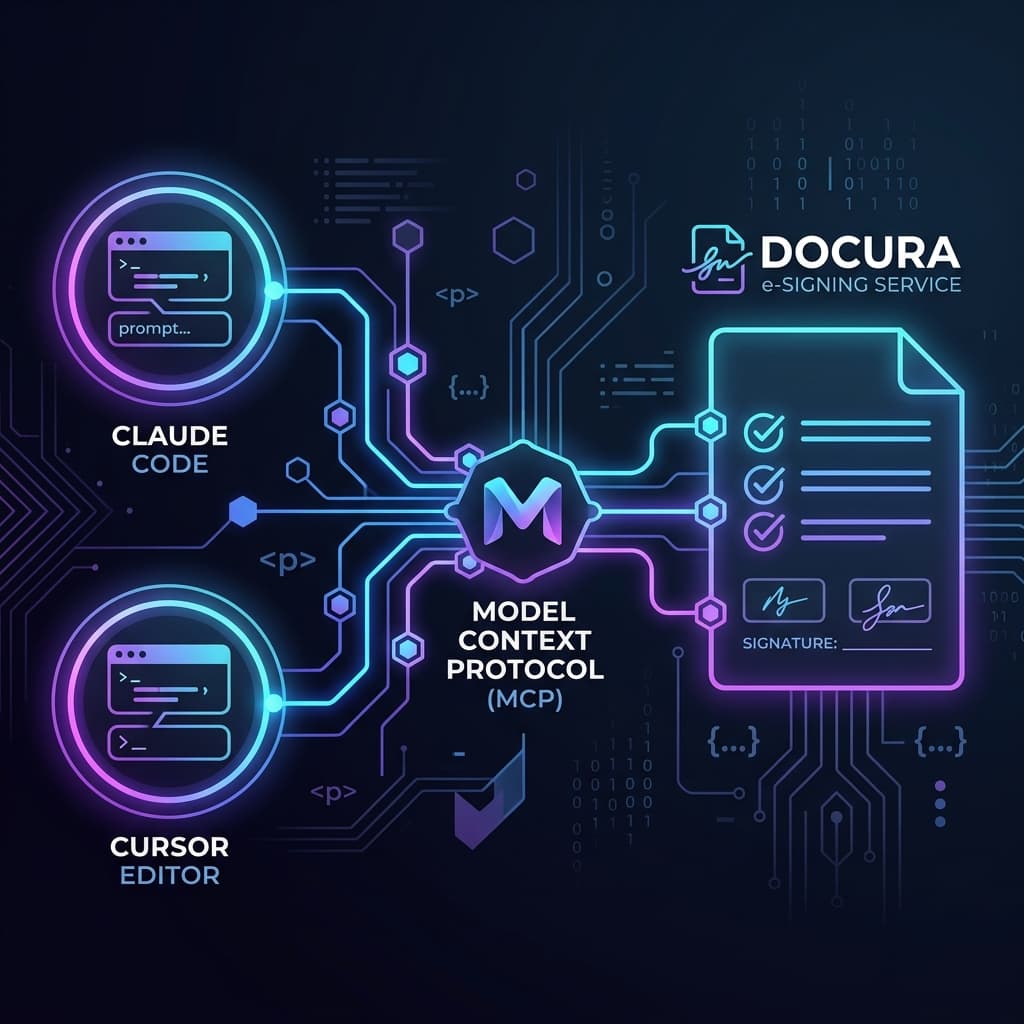
The way developers interact with SaaS tools is changing. Instead of opening a dashboard, switching apps, or writing one-off API scripts, AI assistants are becoming the interface. Today we're shipping the Docura MCP server — a native Model Context Protocol integration that lets you manage your entire e-signing workflow from Claude Code, Cursor, or any MCP-compatible client.
What is MCP?
The Model Context Protocol is an open standard that lets AI assistants call external tools in a structured, safe way. The Docura MCP server is published on npm as docura-mcp. Instead of the AI guessing how to interact with your service, you expose a typed list of tools and schemas. The AI picks the right tool, passes the right arguments, and gets back structured data it can reason about.
Think of it as a REST API for AI assistants.
What you can do with the Docura MCP server
Once connected, you can manage documents entirely through natural language. Here are some real examples:
"Send the Service Agreement template to alice@company.com for signing"
→ Docura sends the invitation, you get back the signing URL

"What's the status of the Johnson NDA?"
→ Returns each signer's status, last activity, and signing URL

"Resend the invite to the second signer on submission sub_abc123"
→ Re-queues the invitation email in one call

"Get the audit trail for the Q3 contract"
→ Returns the full chronological event log with IPs and timestamps

"Void all pending submissions that haven't been touched in 14 days"
→ The AI lists pending submissions, filters by date, voids each one
Available tools
The MCP server exposes 11 tools covering every part of the Docura API:
| Category | Tools |
|---|---|
| Templates | list_templates, get_template |
| Submissions | list_submissions, get_submission, create_submission, void_submission, resend_invitation |
| Audit | get_audit_trail, get_download_url |
| Webhooks | list_webhooks, test_webhook |
Setting it up (2 steps)
Step 1 — Generate a Docura API key at Settings → API Keys.
Step 2 — Add to .claude/settings.local.json (no install needed — npx downloads it on first run):
{
  "mcpServers": {
    "docura": {
      "command": "npx",
      "args": ["-y", "docura-mcp"],
      "env": {
        "DOCURA_API_KEY": "sk_live_your_key_here",
        "DOCURA_BASE_URL": "https://docura.cloud"
      }
    }
  }
}
Restart Claude Code. The docura server appears in the MCP panel and all 11 tools are immediately available.
Who this is for
This is useful for any developer who spends time in an AI-assisted editor:
- Ops teams running bulk document workflows without touching the dashboard
- Developers building integrations and wanting to test sending/status flows quickly
- Founders who live in Claude Code and want document management to stay in the same context
The MCP server is available on Starter plan and above — the same tier that unlocks REST API access. If you already have an API key, you're ready to go.
Full documentation is at docura.cloud/docs#mcp. Package on npm: npmjs.com/package/docura-mcp.